🔧
Day 5
7 天入门教程
掌握核心工具与 Skill
📦 Day 5
安装并使用技能
🎯
今日目标: 成功安装一个技能,并通过对话触发它
📑
本节内容
1
理解技能系统
2
浏览技能市场
3
安装技能
4
查看已安装技能
5
触发技能
6
管理技能
1
理解技能系统
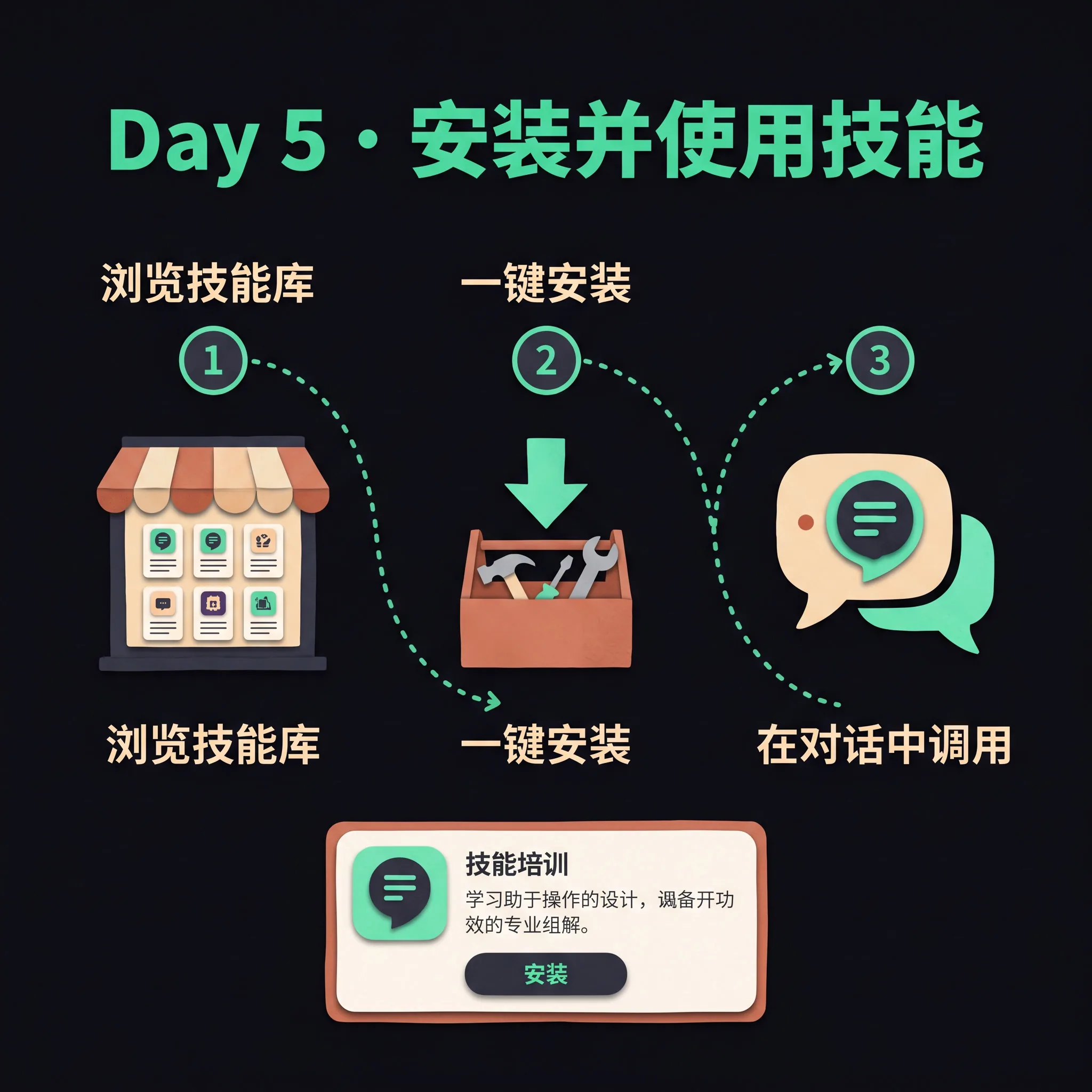
技能(Skills)是 Hermes 的程序性记忆——可复用的工作流和知识包。安装后,技能会作为动态 slash 命令可用(如 /github-pr-workflow)。Hermes 自带大量技能,也支持从技能市场安装。
技能与工具的区别:工具是底层能力(如搜索、执行命令),技能是高层工作流(如完整的 GitHub PR 流程)。
2
浏览技能市场
terminal
$ hermes skills browse
# 分页浏览官方技能注册表
$ hermes skills search weather
# 在 skills.sh 市场搜索天气相关技能
3
安装技能
terminal
$ hermes skills install official/migration/openclaw-migration
✓ Installed openclaw-migration
安装前可以用 hermes skills inspect <name> 预览技能内容。
4
查看已安装技能
terminal
$ hermes skills list
Installed skills:
- github-pr-workflow
- openclaw-migration
- ...
5
触发技能
安装的技能会自动注册为 slash 命令:
terminal
You: /github-pr-workflow
📦 Loading skill: github-pr-workflow
This skill guides you through creating a PR...
也可以在对话中直接描述需求,Hermes 会自动调用匹配的技能。
6
管理技能
terminal
$ hermes skills audit # 重新扫描所有技能
$ hermes skills install <skill-name> # 重新安装以更新技能
$ hermes tools # 交互式工具/技能配置
$ hermes skills uninstall <name> # 卸载
✅ 你将看到
$ hermes skills install official/migration/openclaw-migration
✓ Installed openclaw-migration
$ hermes skills list
Installed skills:
- openclaw-migration
- github-pr-workflow
You: /openclaw-migration
📦 Loading skill: openclaw-migration
I'll help you migrate from OpenClaw to Hermes...
⚠️ 安装失败(网络超时)
检查 GitHub 访问;必要时配置代理;或手动下载 skill 放到 ~/.hermes/skills/
⚠️ 安装成功但无法触发
检查 skill 的 SKILL.md 中的 trigger 条件;确认技能已启用(hermes tools)。
⚠️ 与现有工具冲突
用 /tools disable <tool> 临时禁用冲突工具,或在 hermes tools 中调整。